Overview
In this article we will review the Order Tile Icons.
Order Tile Icons
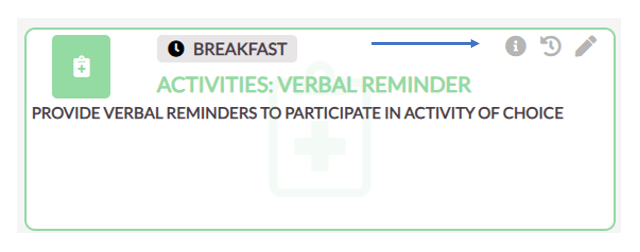
- To View Additional information about an order, select he "I" Icon.
- To View Recent Administrations of the order, select the "Clock" Icon.
- To Edit the Order, select the "Pencil" Icon.
Was this article helpful?
That’s Great!
Thank you for your feedback
Sorry! We couldn't be helpful
Thank you for your feedback
Feedback sent
We appreciate your effort and will try to fix the article