Overview
Select the Waffle Menu and then Resident Maintenance from the header of any screen in Aline eMAR.
Enter the resident’s name, if not already selected.
The Edit Resident Information screen will display along with the following five tabs:
- Overview
- Medical Info
- Insurance Info
- Emergency Info
- Photo
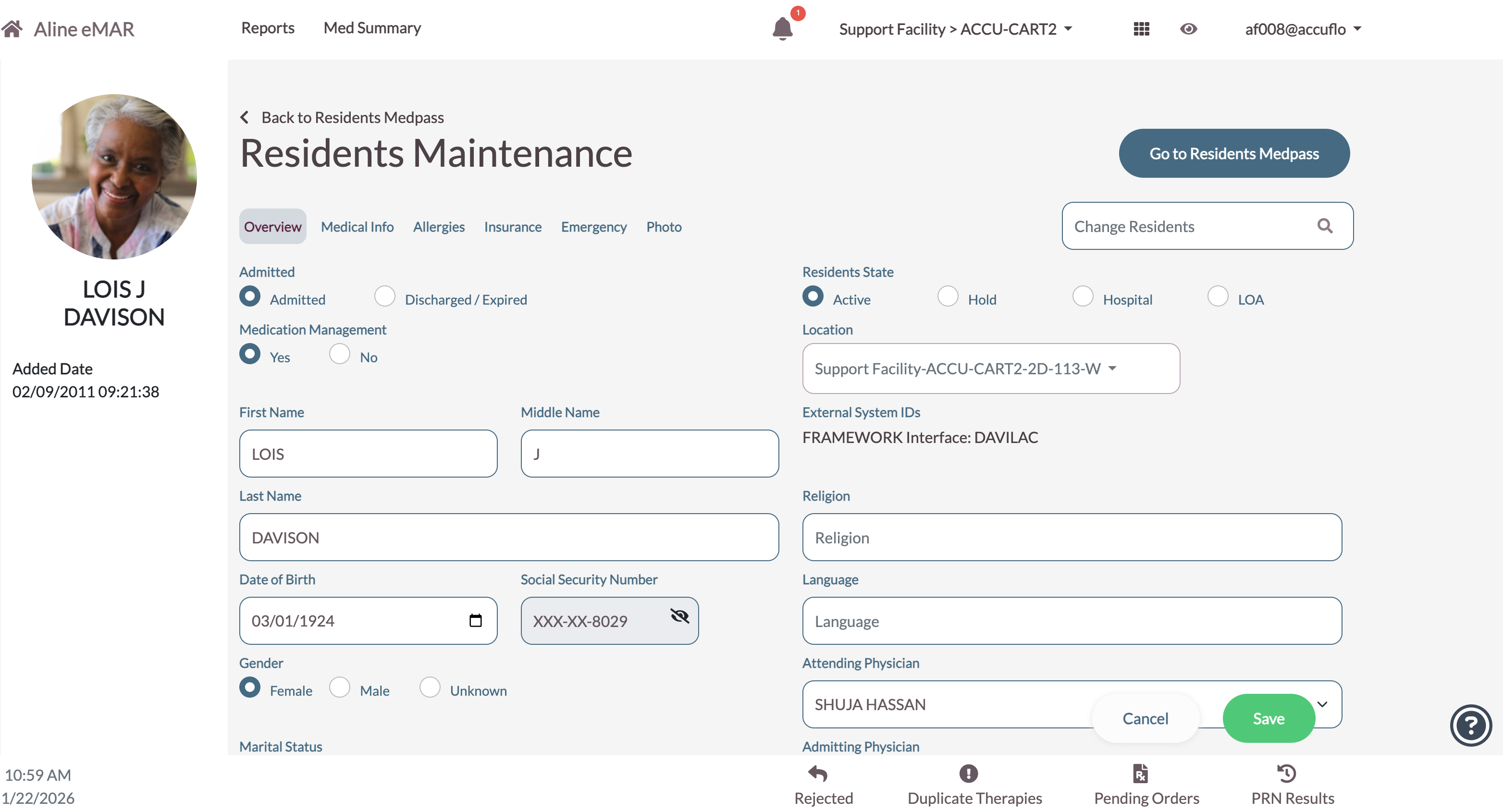
Select Save after making any changes to the resident's information.
Was this article helpful?
That’s Great!
Thank you for your feedback
Sorry! We couldn't be helpful
Thank you for your feedback
Feedback sent
We appreciate your effort and will try to fix the article