Overview
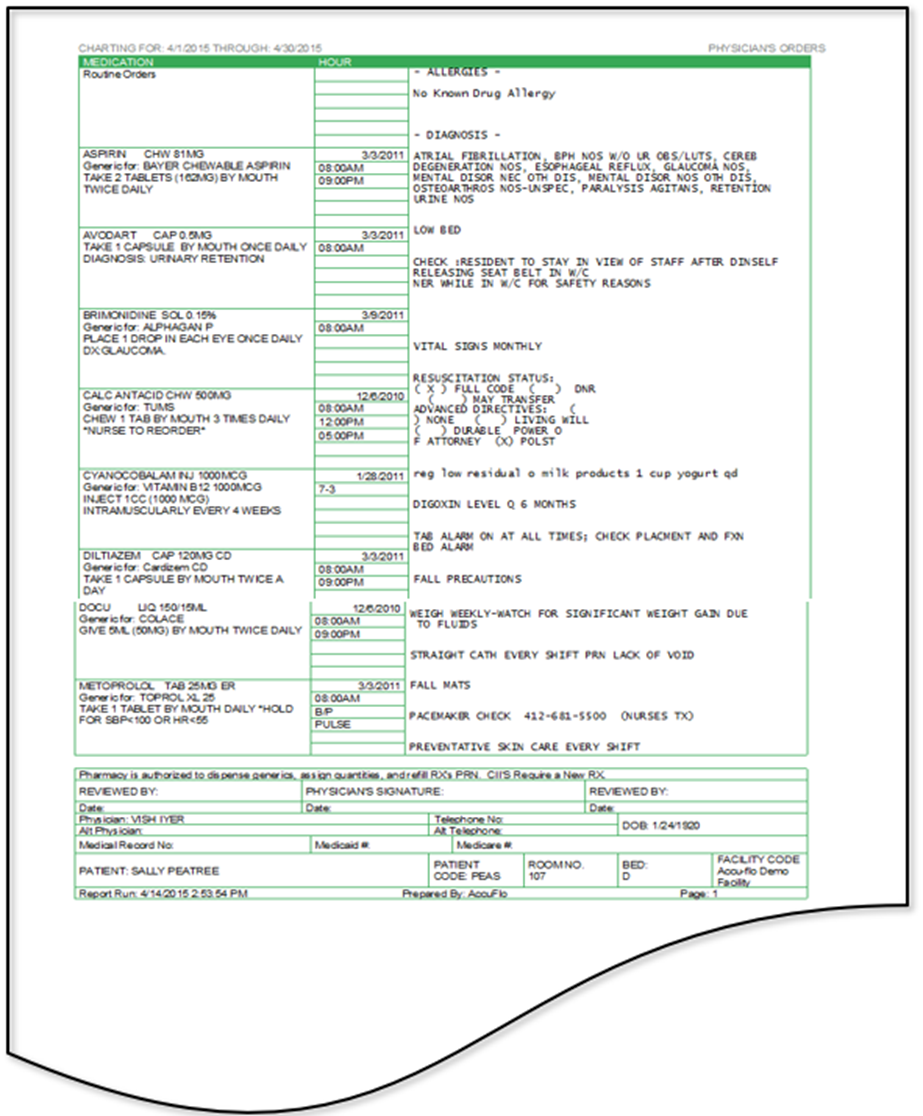
In this article we will review the POS (Physician Order Sheet) Report, which lists orders for a resident. The left side of the POS displays orders that are charted. The right side of the POS displays information and orders that are not charted.
Description
The Physician's Order Sheet (POS) is a list of drug and non-drug orders. The left side displays all orders requiring charting while the right side of the POS displays orders that do not require charting. These orders may include (but are not limited to) Allergies, Diagnosis, Vital Checks, and Code Status. The report can be run for a single or multiple residents/groups and once printed includes a signature line for the physician to reauthorize all the orders on the POS.
Was this article helpful?
That’s Great!
Thank you for your feedback
Sorry! We couldn't be helpful
Thank you for your feedback
Feedback sent
We appreciate your effort and will try to fix the article